
Sharp PG-D2710X/PG-D3010X/PG-D3510X Data Projector Operation Manual

This document is an operation manual for the data projectors PG-D3510X, PG-D3010X, and PG-D2710X. The manual includes instructions for setup, connections, basic operation, and useful features.
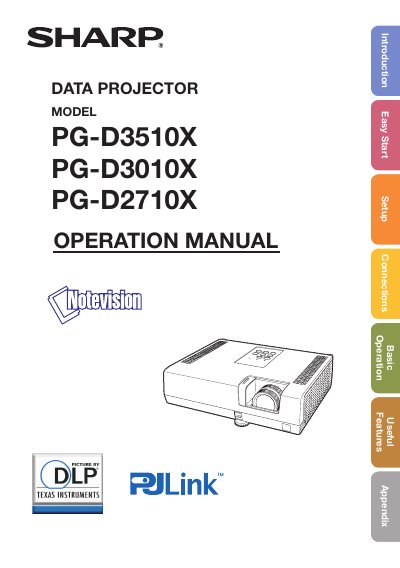

Sharp PG-D2710X/PG-D3010X/PG-D3510X Data Projector Operation Manual - cover page
Brand
Sharp
Category
Projector
Document type
User Manual
Language
English
Pages
75
File format
PDF
File size
11.2 MB
Published
03 August, 2012
Updated
28 September, 2023
MD5 checksum
1059E5FA48AB3381D96306580AF5D89E

About this manual

This document serves as the operation manual for the SHARP Data Projector models PG-D2710X, PG-D3010X, and PG-D3510X. It provides comprehensive instructions for setup, connections, basic operation, useful features, and maintenance of these projectors.

What's inside

  • Introduction
  • Important Safety Information
  • How to Read this Operation Manual
  • Quick Start Menu
  • Complete Menu
  • Connections
  • Basic Operation
  • Useful Features
  • Maintenance
  • Troubleshooting

Frequently asked questions

What are the two important reasons for prompt warranty registration?

To assure immediate receipt of full warranty benefits and to ensure prompt notification of any safety inspections, modifications, or recalls.

How do I access advanced settings in the menu?

Select 'Go To Complete Menu' from the Quick Start Menu to display the Complete Menu screen for advanced adjustments.

What should I do if the lamp replacement indicator is illuminated?

It is recommended that you replace the lamp with a new one immediately, even if it appears to be operating normally.

Download PDF (11.2 MB)

More Sharp Manuals


View all Sharp manuals →