
Projector.com XD200U / SD200U Projector User Manual

This is a projector manual that mainly introduces the use of the projector, precautions, etc.
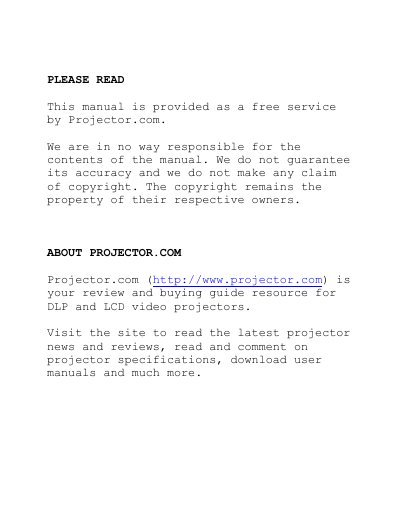

Projector.com XD200U / SD200U Projector User Manual - cover page
Brand
Mitsubishi
Category
Projector
Document type
User Manual
Language
English
Pages
36
File format
PDF
File size
669 KB
Published
02 August, 2012
Updated
30 September, 2023
MD5 checksum
4B66A8892C125AB9E9A12381CE1F590C

About this manual

The document is a free service manual provided by Projector.com for the XD200U and SD200U models of DLP and LCD video projectors. It covers essential topics including important safety safeguards, remote control usage, battery installation, and detailed setup instructions for connecting the projector to various AV equipment like DVD players, HDTV decoders, and personal computers.

What's inside

  • Important safeguards
  • Overview
  • Using the remote control
  • Installation
  • Basic connections
  • Menu operation
  • Picture adjustment
  • Advanced features for presentation
  • Lamp replacement
  • Troubleshooting

Frequently asked questions

What is the specific model of the projector covered in this manual?

This manual is for the XD200U / SD200U projector.

What type of cloth should be used to clean the projector?

You should use a damp soft cloth for cleaning.

What safety warning is given regarding the projector's ventilation slots?

Do not block the ventilation openings or allow them to be blocked by placing the projector on a bed, sofa, rug, or bookcase.

Download PDF (669 KB)

More Mitsubishi Manuals


View all Mitsubishi manuals →