
Mitsubishi XL25U LCD Projector User Manual

This manual is provided as a free service by Projector.com. It serves as a review and buying guide resource for DLP and LCD video projectors. The manual does not guarantee accuracy and does not claim copyright. Copyright belongs to their respective owners.
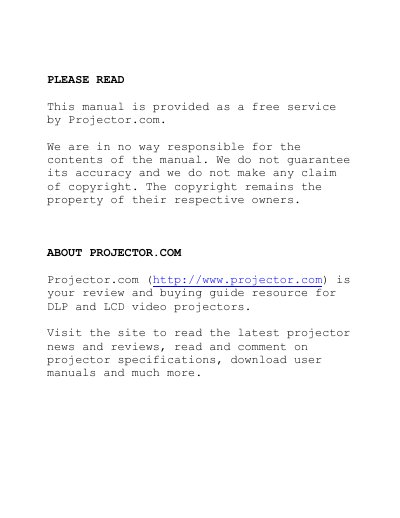

Mitsubishi XL25U LCD Projector User Manual - cover page
Brand
Mitsubishi
Category
Projector
Document type
User Manual
Language
English
Pages
36
File format
PDF
File size
1.4 MB
Published
02 August, 2012
Updated
28 September, 2023
Model
XL25U
MD5 checksum
36C323AEF8D9EE2399F3C4F666B7392D

About this manual

This manual provides instructions for the Mitsubishi XL25U LCD projector, including safety precautions, remote control usage, and battery installation. It details how to install the projector, connect it to various AV equipment and computers, and prepare it for operation.

What's inside

  • Important safeguards
  • Using the remote control
  • Battery installation
  • Installation
  • Basic connections
  • Preparing the projector for operation
  • Lamp replacement
  • Maintenance
  • Troubleshooting
  • Indicators

Frequently asked questions

What type of cleaning cloth should be used for the projector?

You should use a damp soft cloth to clean the projector.

Where should the projector be placed regarding ventilation?

Do not place the projector on a bed, sofa, rug, or bookcase to ensure adequate ventilation.

What should be done if the power-supply cord is damaged?

You must unplug the projector and refer servicing to qualified service personnel.

Download PDF (1.4 MB)

More Mitsubishi Manuals


View all Mitsubishi manuals →