
This Analog Devices application note AN-592 discusses the CONVST input of the AD7822, AD7825, AD7829, and AD7827. It describes the function of CONVST, which is used to power up the devices, initiate conversions, and place them into Power-Down Mode.
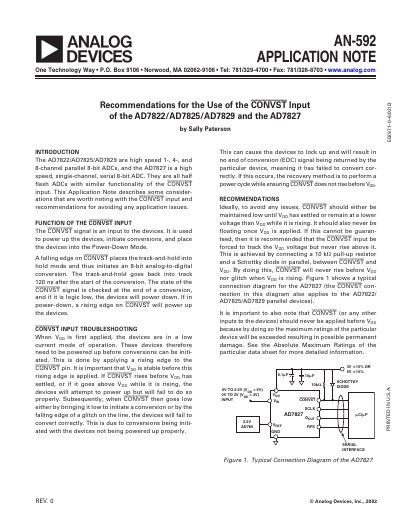
The note explains troubleshooting issues that can occur when CONVST rises before Vpp has settled, and gives recommendations for avoiding these issues. It also shows a typical connection diagram for the AD7827 using a pull-up resistor and Schottky diode between CONVST and Vpp.
| Resolution | 8-bit |
|---|---|
| Channel count (AD7822/AD7825/AD7829) | 1-, 4-, and 8-channel |
| AD7827 interface | single-channel, serial |
| Track-and-hold return time | 120 ns |
It is used to power up the devices, initiate conversions, and place them into Power-Down Mode.
It places the track-and-hold into hold mode and initiates an 8-bit analog-to-digital conversion.
CONVST should be maintained low until Vpp has settled or remain at a lower voltage than Vpp while it is rising, and it should never be floating once Vpp is applied.
Perform a power cycle while ensuring CONVST does not rise before Vpp.