
This application note explains the use of the AD7738's checksum register to verify data integrity. In noisy electrical environments, the checksum register can be used to confirm the correct reception of data.
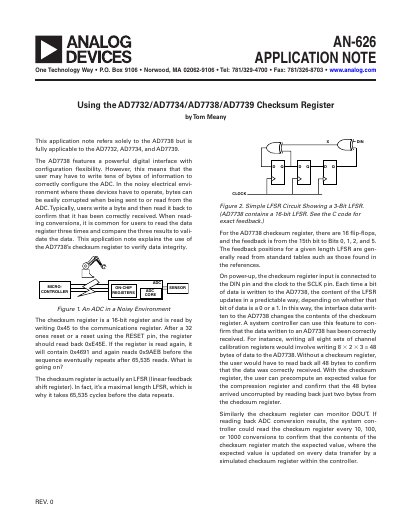
This application note describes the use of the AD7738's checksum register to verify data integrity in noisy electrical environments. The document explains that the checksum register functions as a 16-bit linear feedback shift register (LFSR) that updates predictably based on data written to or read from the ADC. By monitoring this register, users can confirm that configuration data or conversion results have been received correctly without reading back every individual byte.
| Checksum Register Size | 16-bit |
|---|---|
| LFSR Cycle Length | 65,535 cycles |
| Feedback Positions | Bits 0, 1, 2, and 5 |
The note refers solely to the AD7738 but is fully applicable to the AD7732, AD7734, and AD7739.
After a 32 ones reset or a reset using the RESET pin, the register should read back 0xE45E.
It acts as an LFSR that updates predictably when data is written to the ADC, allowing the user to confirm data was received correctly by reading just two bytes.