
Sharp BD-HP24U Blu-ray Disc/DVD Player Operation Manual

This is a user manual for BD-HP24U
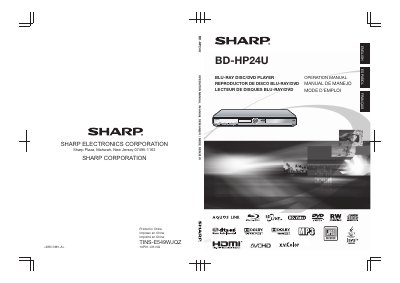

Sharp BD-HP24U Blu-ray Disc/DVD Player Operation Manual - cover page
Brand
Sharp
Category
Player
Document type
User Manual
Language
English
Pages
65
File format
PDF
File size
2.2 MB
Published
02 August, 2012
Updated
30 September, 2023
MD5 checksum
8F2C8CD8308B412B7CE21FB9FE87BC40

About this manual

This document is the Operation Manual for the Sharp BD-HP24U Blu-ray Disc/DVD Player. It provides instructions for setting up the device, connecting it to a television and other audio/video equipment, and operating the player using the remote control. The manual details how to play various media types including Blu-ray discs, DVDs, audio CDs, and files from USB memory devices.

What's inside

  • Introduction
  • About Media Types
  • Getting Started
  • Introduction to Connections
  • Video Connections
  • Audio Connections
  • Broadband Internet Connection
  • Playback
  • Settings
  • Troubleshooting

Specifications

Product TypeBlu-ray Disc/DVD Player
BD-LIVE CompatibilityCompatible

Frequently asked questions

What media types can be used with this player?

The player supports Blu-ray discs, DVDs, audio CDs, and media files from USB memory devices.

Can this player be controlled via a smartphone?

Yes, if your TV is compatible with AQUOS LINK, you can control the TV and this player using the AQUOS LINK app.

How do I connect the player to a TV using HDMI?

Connect the player to the TV using an HDMI cable; no other cable is needed to enjoy movies.

Download PDF (2.2 MB)

More Sharp Manuals


View all Sharp manuals →