
This is a user manual for the SHARP music system DK-A10. It introduces how to use various functions of the product, including radio, alarm clock, music playback, etc.
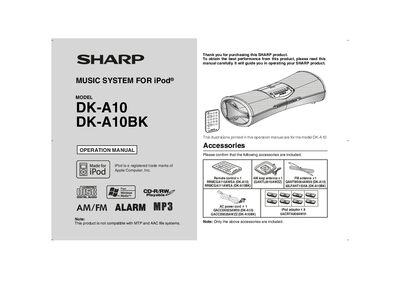
This manual covers the Sharp DK-A10 and DK-A10BK music system for iPod®, describing safety precautions, included accessories, and how to install and operate the unit. It includes detailed information on controls, indicators, panel connections, antenna setup, and optional features such as video output and demonstration mode.
The document also provides a troubleshooting chart, specifications, and instructions for resetting the unit, as well as FCC compliance notes and warranty information. Users can find step‑by‑step guidance for connecting the FM/AM antennas, remote control usage, and iPod integration with a TV or monitor.
| FM antenna connector | 75 Ω jack |
|---|
Press the ON/STAND‑BY button, hold the SNOOZE/DIMMER and E SOUND/DEMO buttons, then press ON/STAND‑BY again until "CLEAR ALL" appears.
Make sure the unit is plugged in, the battery polarity is correct, the batteries are not dead, the distance and angle are appropriate, and the sensor is not exposed to strong light.
Connect the FM antenna wire to the FM 75 Ω antenna jack on the rear panel and position the antenna for the strongest signal.
Press the E SOUND/DEMO button while the unit is in power stand‑by mode to toggle demonstration mode on or off.