
This document describes a sound bar home theater system called HT-SL50. The product is recommended for flat panel TVs (LCD and plasma). For HDMI connection, it only supports PCM signals. The product is controlled via HDMI CEC specification, so CEC must be enabled for HDMI connection. For TVs without HDMI CEC, headphone or RCA analog connection is available. For TVs without HDMI, headphone or RCA connection is required. Recommended connection methods include HDMI with ARC, HDMI without ARC, headphone out for TVs without HDMI CEC and ARC, and RCA variable out for TVs without HDMI CEC and ARC.
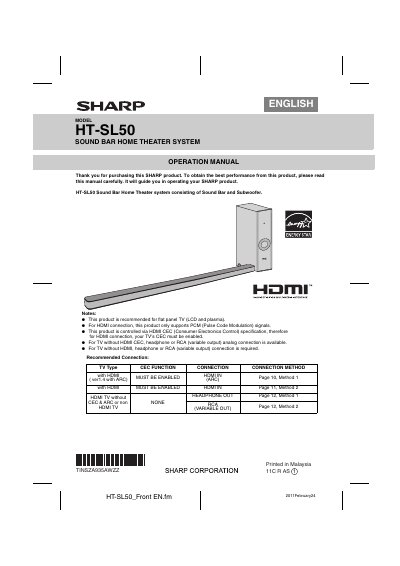
This document is the Operation Manual for the SHARP HT-SL50 Sound Bar Home Theater System, which consists of a Sound Bar and a Subwoofer. It includes recommended connection methods for various TV types, such as HDMI with ARC, HDMI without CEC, and analog connections. The manual also lists included accessories like RCA to headphone cables, subwoofer stands, and wall mount angles.
This product is recommended for use with flat panel TVs, specifically LCD and plasma models.
For HDMI connections, this product only supports PCM (Pulse Code Modulation) signals.
Your TV's CEC function must be enabled when connecting via HDMI.