
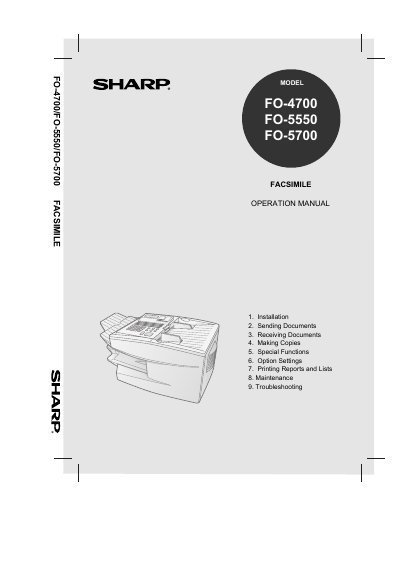
This document is the Operation Manual for Sharp FO-4700, FO-5550, and FO-5700 facsimile machines. It details the features and specifications of the devices, including automatic dialing, memory size, and transmission speeds. The manual guides users through the setup process, including unpacking, connecting the machine, installing print cartridges, and loading paper. It also covers entering user information such as names and fax numbers, and setting the date and time.
| Memory size | 1 MB (approx. 56 pages with ECM off) |
|---|---|
| Modem speed | FO-4700/FO-5550: 14,400 bps (max.) |
| Modem speed | FO-5700: 33,600 bps (max.) |
| Toner cartridge yield | 3700 pages (ave.) (letter paper) |
| Drum cartridge yield | 20,000 pages (ave.) |
| Printing resolution | Horizontal: 203 pels/inch |
| Printing resolution | Vertical: 391 lines/inch |
| Copy function | Single/Multi/Sort (99 copies/page) |
| Power requirements | 120 V AC, 60 Hz |
| Operating temperature | 50 - 86°F (10 - 30°C) |
The maximum transmission speed for the FO-5700 is 33,600 bps.
The initial starter cartridge included with the fax machine prints approximately 3,700 pages on average.
The machine requires 120 V AC at 60 Hz.
Yes, the copy function supports Single, Multi, and Sort modes with up to 99 copies per page.