
This manual introduces the operation methods of the Canon FO-4700, FO-5550 and FO-5700 facsimile machines, including installation, sending documents, receiving documents, making copies, using special functions, setting options, printing reports and lists, maintenance and troubleshooting.
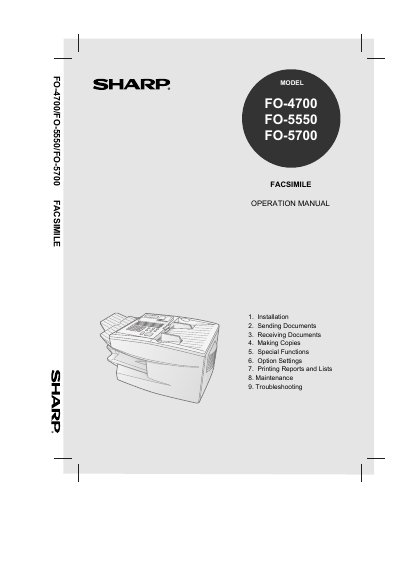
This document is the Operation Manual for the Sharp FO-4700, FO-5550, and FO-5700 series of laser facsimile machines. It serves as a comprehensive guide for end-users to set up, operate, and maintain these devices. The manual covers essential functions such as automatic dialing, memory storage, transmission settings, and receiving modes.
| Modem speed | 14,400 bps (max.) |
|---|---|
| Toner cartridge yield | 3700 pages (ave.) |
| Resolution | Horizontal: 203 pels/inch |
| Copy function | Single/Multi/Sort (99 copies/page) |
The standard capacity is 250 sheets, with a 500-sheet cassette available as an option.
The machine holds a maximum of 750 sheets.
The maximum modem speed is 14,400 bps.
It requires 120 V AC at 60 Hz.