
This is a SADiE product manual, including hardware and software installation instructions
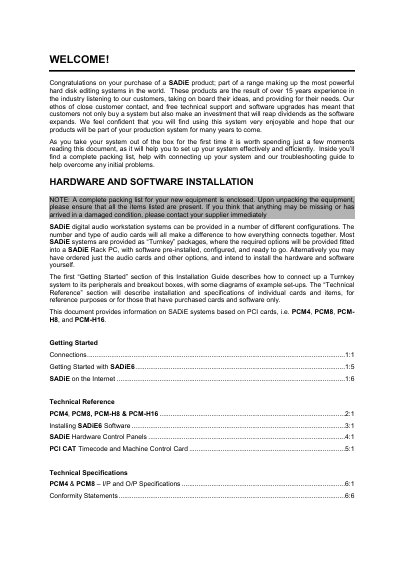
This document serves as a hardware installation guide for SADIE digital audio workstation systems. It covers the setup of Turnkey packages and systems with user-installed audio cards, specifically the PCM4, PCM8, PCM-H8, and PCM-H16 models. The guide details how to connect peripherals, breakout boxes, and hardware controllers to the SADIE Rack PC.
| Rack mounting chassis | 19" rack mounting chassis. 4U. |
|---|---|
| Max dimensions (Turnkey) | 485mm wide x 550mm deep x 180mm high |
| Mass (Turnkey) | <20kg |
| Breakout box "800" dimensions | 485mm wide x 280mm deep x 89mm high |
| Mass (Breakout box "800") | <3kg |
The maximum height of the SADIE turnkey chassis is 180mm.
The breakout box "800" weighs less than 3kg.
The maximum width of the breakout box "800B" is 485mm.