
The FINELab™ QC System is a testing and measurement system used to evaluate the performance of audio equipment. It can perform various tests such as frequency response, impedance, sensitivity, and polarity, and provides statistical results. Users can determine the quality of the product based on the test results.
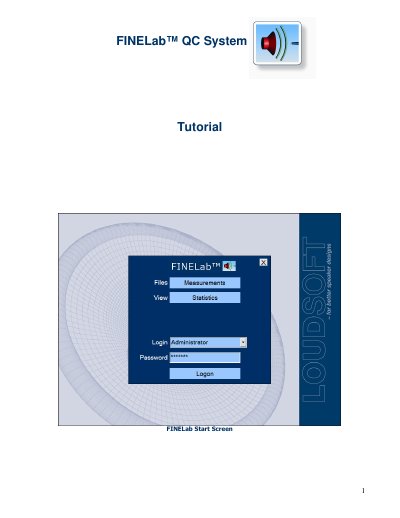
This document serves as a tutorial for the LOUDSOFT FINELab™ QC System. It explains how to use the software interface to view statistical results of previous test series and how to set up new tests by entering lot numbers and customer details. The guide details the process of testing drivers, including checking sensitivity, impedance, polarity, and detecting Rub & Buzz during a fast sine sweep.
| Sensitivity range for calculation | 700-1200 Hz |
|---|---|
| Output drive level setting | 2Vrms |
Select the 'Golden Average Driver / Preproduction' feature and choose the unit closest to the average of good units.
FINELab calculates all TS parameters by fitting a simulated impedance curve in the chosen frequency range.