
This document introduces the FINECone™ acoustic finite element dome/cone simulation program and demonstrates how to use it to verify the accuracy of a 6.5-inch woofer model. The document also provides the characteristics and features of the woofer, such as size, magnet, and voice coil parameters.
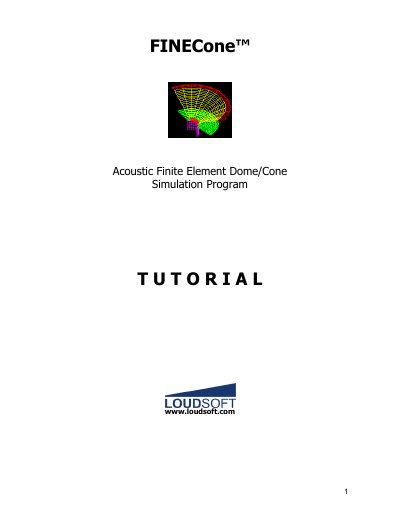
This document serves as a tutorial for the FINECone acoustic simulation program, which uses Finite Element Modeling (FEM) to simulate dome and cone speakers. It guides the user through the process of defining geometry by importing DXF files and setting material properties for components like the diaphragm, surround, and dust cap. The text explains how to input electrical parameters and compare simulated results with measured data.
The simulation uses a frequency range from 20 Hz to 20000 Hz.
The air load mass reduces the effective resonant frequency from approximately 180 Hz down to 100 Hz.