
This manual introduces the features and characteristics of the VPW5500 55-inch plasma display, including connection to a PC, operating instructions, signal check, installation instructions, etc.
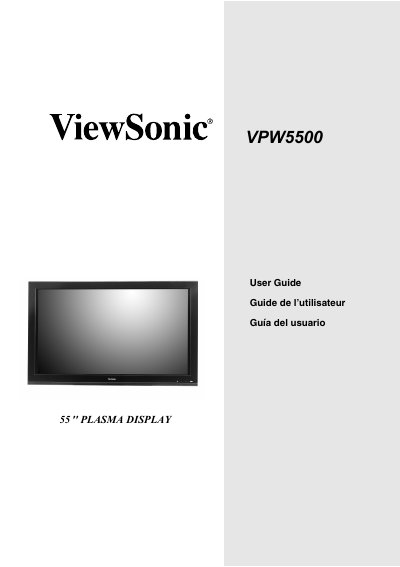
The ViewSonic VPW5500 is a plasma display monitor designed for operation on 120 volts AC. This manual covers essential safety precautions, including warnings against opening the cover due to high voltage risks and instructions for proper power cord usage.
The guide details how to install the unit, connect it to various input signals such as PC or video sources, and operate the remote control. It also explains menu functions for adjusting picture settings, audio levels, and timers, along with procedures for mounting the speaker unit.
| Power Source | 120 volts 60Hz AC current |
|---|
Unplug the monitor and call your authorized dealer or service center.
No, there are no user serviceable parts inside.