
This is a user manual of 26MD357B and 32MD357B, which introduces the connection methods of TV, including HDMI, Component Video, S-Video and Composite Audio/Video
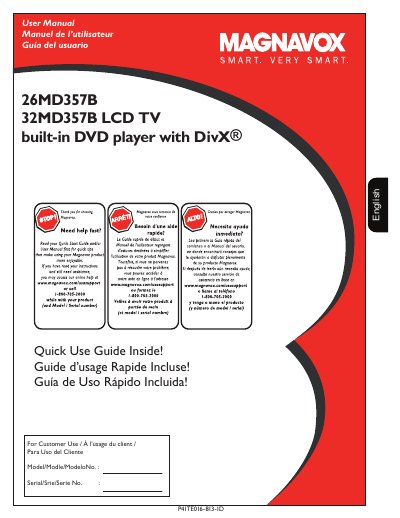
This document is the official user guide for the Magnavox 26MD357B and 32MD357B LCD television models, which include a built-in DVD player with DivX support. The manual covers initial setup, including how to register the product and obtain customer support via phone or website.
The primary focus of this guide is connecting the television to various external devices. It details wiring diagrams and connection methods for set-top boxes, DVD players/recorders, VCRs, game consoles, and computers. Specific instructions are provided for using different input types such as HDMI, Component Video (YPbPr), S-Video, Composite Video/Audio, VGA, and RF.
| Product Type | LCD TV with built-in DVD player |
|---|---|
| Supported Format | DivX |
You may access online help at www.magnavox.com/usasupport or call 1-800-705-2000.
The HDMI interface provides the ultimate, uncompressed digital audio/video connection.