
Magnavox 26MD357B/32MD357B LCD TV User Manual

This file is a user manual for 26MD357B 32MD357B LCD TV, which introduces the function, feature and usage method of the product.
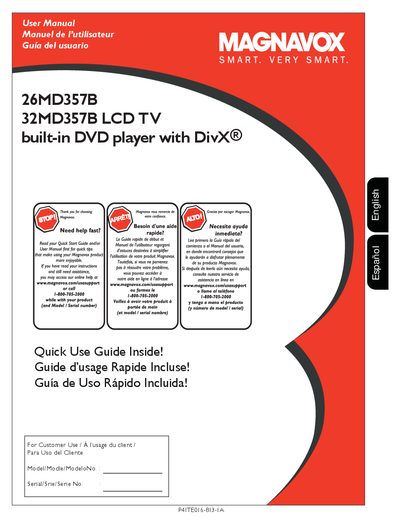

Magnavox 26MD357B/32MD357B LCD TV User Manual - cover page
Brand
Magnavox
Category
Television
Document type
User Manual
Language
English
Pages
56
File format
PDF
File size
4.5 MB
Published
10 July, 2012
Updated
30 September, 2023
MD5 checksum
E53B472522467D3DEF0BF6F62297B785

About this manual

This manual provides instructions for the Magnavox 26MD357B and 32MD357B LCD TVs, which feature a built-in DVD player with Divx support. It covers initial setup, including how to make optimal connections using HDMI, Component Video, S-Video, or Composite Audio/Video inputs. The document also details how to connect external devices such as set-top boxes, DVD players, VCRs, game consoles, and PCs.

What's inside

  • Cover & Connection
  • Set-Top Box to TV
  • DVD Player/Recorder to TV
  • Video Camera / Games Console to TV
  • Audio to Hi-fi System
  • PC connects to TV
  • Remote Control
  • Quick Use Guide

Frequently asked questions

What built-in feature does this TV have for playing discs?

This television includes a built-in DVD player that supports Divx.

Which input provides the best audio and video connection quality?

The HDMI interface is rated as the superior connection for uncompressed digital audio and video.

What type of cable is required to use the HDMI port?

You must use a certified HDMI cable to connect via this interface.

Download PDF (4.5 MB)

More Magnavox Manuals


View all Magnavox manuals →