
This manual introduces the use methods of 32 inch full HD LED TV, including safety use precautions, installation methods, use methods, maintenance methods, etc.
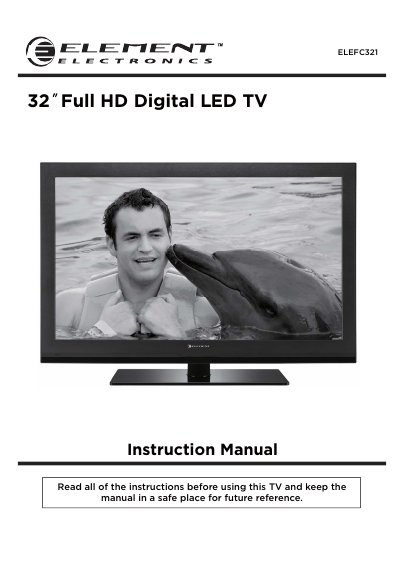
This document is the instruction manual for the WVWELECTRONIC ELEFC321, a 32-inch Full HD Digital LED television. It provides essential safety information, details on included accessories, and step-by-step guides for getting started with the unit.
The guide covers various aspects of using the TV, including wall mounting instructions, connecting external devices via HDMI, USB, or VGA inputs, and navigating the on-screen display menus for picture, audio, time, and channel settings. It also includes a troubleshooting section and lists technical specifications.
| Panel Size | 32 inches diagonally |
|---|---|
| Display Type | LED |
| Panel Technology | TFT |
| Refresh Rate | 60 Hz |
| Display Resolution | 1080P |
| Panel Resolution | 1920 x 1080 |
| Aspect Ratio | 16:9 |
| Dynamic Contrast Ratio | 4,000:1 |
| Brightness (Centre Typ.) | 350 cd/m2 |
| Response Time (G to G) | 8.5 ms |
Press the POWER button on the remote control to turn on/standby the TV set.
Yes, the TV has mounting holes for a VESA approved wall mounting bracket, which is not supplied.