
This instruction manual describes the use of 46 Full HD Digital LCD TV, including important safety instructions and installation instructions.
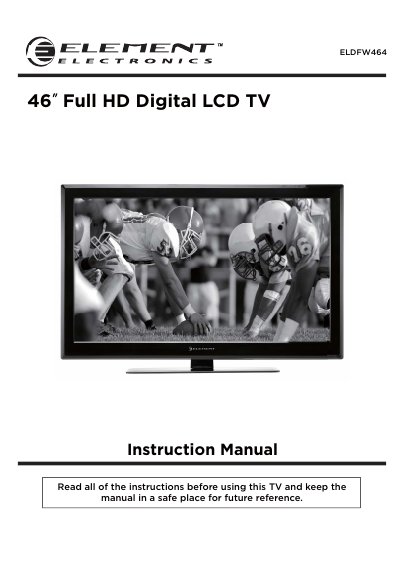
This document serves as the instruction manual for the Element ELDEW464, a 46-inch Full HD Digital LCD television. It covers essential safety precautions, including electrical safety and physical handling guidelines to ensure reliable operation. The manual details the contents of the package and provides step-by-step instructions for getting started, including connecting external devices and wall mounting the unit using a VESA-approved bracket.
| Screen Size | 46 inch |
|---|---|
| Display Type | Full HD Digital LCD |
| Input Ports | 3x HDMI, 1x VGA, 1x USB |
| Audio Inputs | PC audio input, Component input, S-VIDEO input |
| Video Input | Antenna input (75 Ohm VHF/UHF) |
Yes, the TV has mounting holes for a VESA approved wall mounting bracket, but the bracket is not supplied.
You need to use 4 x M6x20 isometric threaded screws, and they must not be longer than 20 mm.