
This is a user manual that introduces the basic use and precautions of the projector, including installation, connection, use, and maintenance.
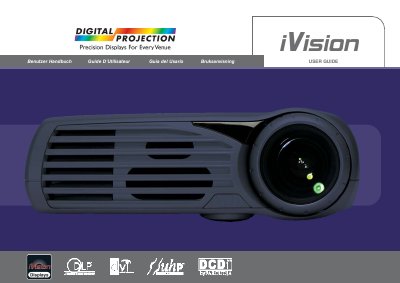
The document is a comprehensive user guide for the JVC iVision digital projector. It covers essential topics such as introduction to the device's features like high resolution and DLP technology, detailed safety warnings regarding laser beams and ventilation, and setup instructions for both desktop and ceiling mounting configurations.
The manual also includes sections on using the keypad and remote control, connecting various video sources, adjusting image settings, performing maintenance tasks like lamp replacement, and troubleshooting common issues. It concludes with a list of technical specifications.
| Technology | Single Chip DLP™ technology |
|---|---|
| Resolution Type | High resolution |
| Brightness | High brightness |
| Contrast | High contrast |
| Weight/Size | Compact, low weight |
Yes, the device is designed for both desktop and ceiling-mountable use.
The strong light may permanently damage your sight, so you should not look into the lens when the projector is on.