
This manual describes the installation steps of the IntelliChlor Flow-Temperature Switch Replacement Kit.
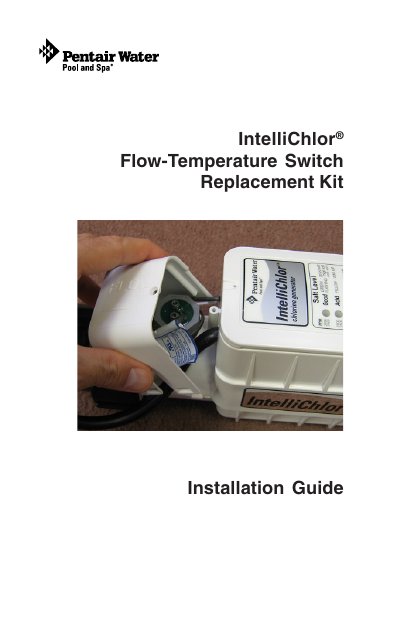
This document provides installation instructions for the IntelliChlor Flow-Temperature Switch Replacement Kit (P/N 520737). It details the necessary safety precautions, such as turning off power to the pool pump and the IntelliChlor cell before beginning work.
The guide outlines the step-by-step process for removing the old flow-temperature switch assembly from the IntelliChlor cell and installing the new replacement kit. This includes specific instructions on cutting wires, using a flat 1/2" wrench to unscrew and tighten the assembly, and correctly aligning the arrows on the switch nut to indicate flow direction.
You must use a small Phillips screwdriver to remove the cover screw and then take off the cover.
A flat 1/2" (30 mm) wrench is required to carefully unscrew the assembly.
The arrows on the top of the switch nut must point in the flow direction with the center arrow aligned in the center position.