
Pentair QuickTouch II Wireless Remote Installation and User's Guide

This manual provides detailed instructions on how to use the QuickTouch® II Wireless Remote, including a quick tour, navigation, setup and control.
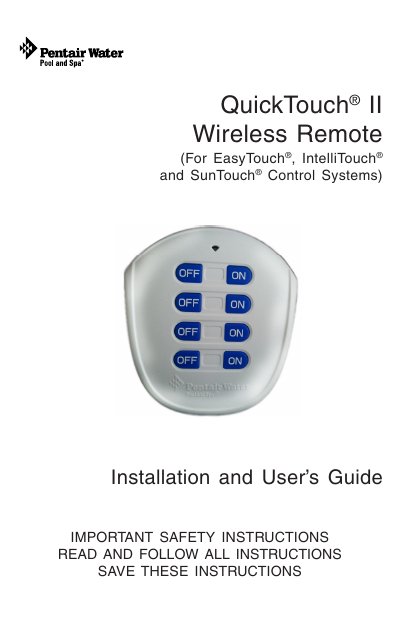

Pentair QuickTouch II Wireless Remote Installation and User's Guide - cover page
Brand
QuickTouch
Category
Other
Document type
User Manual
Language
English
Pages
16
File format
PDF
File size
1 MB
Published
12 July, 2012
Updated
30 September, 2023
MD5 checksum
EF09C12896580D7F9F31860ED4D5EA93

About this manual

This manual provides instructions for installing and using the Pentair QuickTouch II wireless remote, which is compatible with EasyTouch, IntelliTouch, SunTouch, and Compool control systems. The device allows users to control up to four pool or spa functions, such as lights, jet pumps, and air blowers, from a distance of up to 250 feet line-of-sight.

What's inside

  • Important Safety Instructions
  • QuickTouch II Wireless Remote Overview
  • QuickTouch II Wireless Remote Buttons/LED
  • Setup QuickTouch II Wireless Remote Receive
  • Connecting the QuickTouch II Receiver to the Load Center
  • Wiring the QuickTouch II Receiver to SunTouch Power Center
  • QuickTouch II Wireless Remote Receiver Antenna Location
  • Mounting the QuickTouch II Receiver Module
  • Troubleshooting
  • QuickTouch II Remote Battery Replacement

Specifications

Operating Rangeup to 250 ft. (line-of-sight)
Battery Typetwo 3V lithium batteries (CR2032)
Maximum Functionsup to four pool/spa circuits
Maximum Remotes per Receiverup to eight QuickTouch II remotes

Frequently asked questions

What happens if the remote is accidentally submerged?

Remove the batteries immediately, let the water drain out, and allow the unit to dry completely before reassembling.

What is the maximum operating range of the QuickTouch II wireless remote?

The remote has an operating range of up to 250 ft. (line-of-sight) from the antenna receiver.

How many QuickTouch II remotes can one receiver communicate with?

One receiver can communicate with up to eight QuickTouch II remotes.

How long must you hold the 'ON' button to activate a circuit function?

You must press and hold the circuit 'ON' button for at least a full second.

Download PDF (1 MB)

More QuickTouch Manuals


View all QuickTouch manuals →