
Klegg TV Owner's Manual


Klegg TV Owner's Manual - cover page
Brand
Klegg
Category
Television
Document type
User Manual
Language
English
Pages
50
File format
PDF
File size
6.7 MB
Published
11 July, 2012
Updated
11 July, 2012
MD5 checksum
2160F8B8A4EBE2AF322B32EAAAF9D454

About this manual

The document serves as an owner's guide for Klegg televisions. It begins with critical safety warnings regarding electrical shock, moisture exposure, and proper ventilation to prevent fire hazards. The text emphasizes the use of grounded outlets and specific power cords designed for the device.

Subsequent sections cover the physical setup of the unit, including table stand installation and connecting various external devices such as VCRs, DVD players, set-top boxes, and PCs via D-Sub or DVI interfaces. The guide also details how to configure channels, adjust picture settings like color temperature and noise reduction, and manage sound options.

What's inside

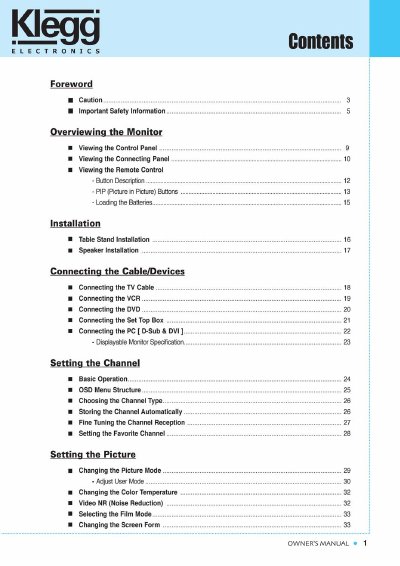
  • Foreword
  • Important Safety Information
  • Overviewing the Monitor
  • Installation
  • Connecting the Cable/Devices
  • Setting the Channel
  • Setting the Picture
  • Setting the Sound
  • Setting the Others
  • Warranty Card

Frequently asked questions

What is the power supply voltage rating for this product?

The power supply voltage rating of this product is AC100-240V.

What is the maximum power supply voltage rating for this monitor?

The product is rated to operate on AC100-240V.

What action should be taken with the antenna or cable system during a lightning storm?

You must disconnect the antenna or cable system.

Download PDF (6.7 MB)

More Klegg Manuals


View all Klegg manuals →