
This is a user manual for RTX 55H, which mainly introduces the functions and operation methods of RTX 55H
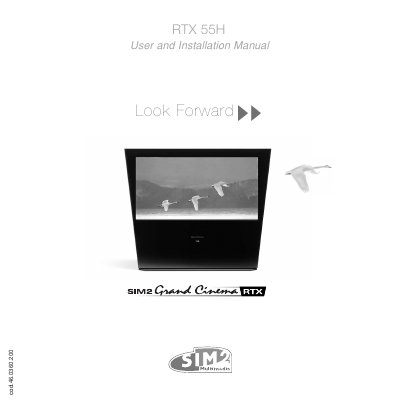
The SIM2 RTX 55H is a high-definition multimedia projector system that combines a DigiOptic Image Processor and a DLP Display unit connected by a fibre optic cable. The system supports a wide variety of analogue and digital sources, including DVD players, computers, and game consoles, utilizing DCDI technology for interlaced-to-progressive conversion.
| Resolution | 1280x720 pixel DMD panel |
|---|---|
| Max Cable Distance | 500 m |
| Power Supply | 100-240 VAC, 50/60 Hz |
| Inputs | 2 Composite, 2 S-Video, 4 Component/RGB, 1 DVI-D, 1 HDMI |
No, the installation of the lamp assembly and procedures requiring cover removal must be carried out by authorised, trained technicians.
The system supports transmission over distances of up to 500 meters.
Press the BACK LIGHT button to turn on the back light, or use the STAND-BY key to switch off to stand-by.