
Fujitsu Wide Plasma Display P63XHA30W/P55XHA30W/P50XHA30W/P42HHA30W/P42VHA30W/P42VHA31W User's Manual

This manual introduces how to use the display correctly, and details the display's parts names and functions, installation methods, optional functions, supported signals, specifications, etc.
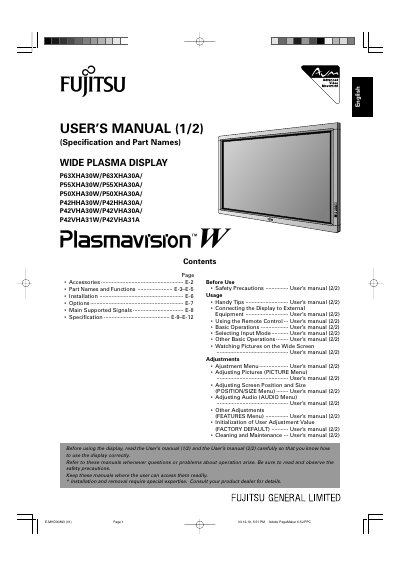

Fujitsu Wide Plasma Display P63XHA30W/P55XHA30W/P50XHA30W/P42HHA30W/P42VHA30W/P42VHA31W User's Manual - cover page
Brand
Fujitsu
Category
Monitor
Document type
User Manual
Language
English
Pages
46
File format
PDF
File size
1.8 MB
Published
11 July, 2012
Updated
30 September, 2023
MD5 checksum
2F6FC76F97C0F5919A3BDAC36CC2CBCA

About this manual

This User's Manual provides instructions for the Fujitsu Wide Plasma Display series, covering specifications, part names, and safety precautions. It details the installation process, including ventilation requirements and the use of optional mounting units like wall-mounting brackets and ceiling-mounting units. The manual also lists compatible optional accessories such as desktop stands and speakers for different screen sizes.

What's inside

  • Before Use
  • Part Names and Functions
  • Safety Precautions
  • Installation
  • Options
  • Connecting the Display to External Equipment
  • Usage
  • Basic Operations
  • Adjustments
  • Cleaning and Maintenance

Specifications

Operating Temperature0°C and 40°C
Power Indicator Lamp ColorsRed: Stand-by, Green: Power ON, Orange: Power saving

Frequently asked questions

What should I do if the power indicator lamp flashes red or green?

Remove the power plug from the receptacle and contact your dealer immediately.

Can I install this display in a cold environment?

No, the temperature must be maintained between 0°C and 40°C.

Download PDF (1.8 MB)

More Fujitsu Manuals


View all Fujitsu manuals →