
Fujitsu P63XHA70W Wide Plasma Display User Manual

This manual provides detailed information on how to use the P63XHA70W display, including installation, connection, and basic operations.
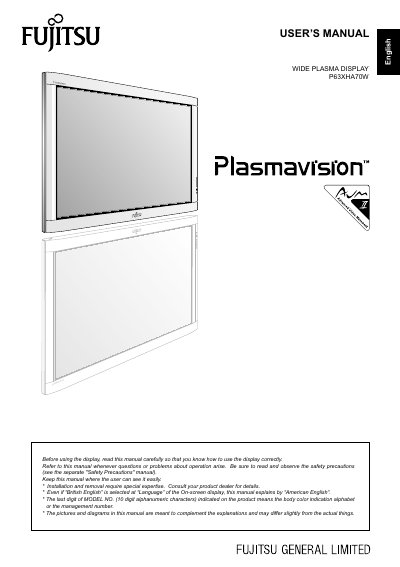

Fujitsu P63XHA70W Wide Plasma Display User Manual - cover page
Brand
Fujitsu
Category
Monitor
Document type
User Manual
Language
English
Pages
34
File format
PDF
File size
962 KB
Published
11 July, 2012
Updated
30 September, 2023
MD5 checksum
D2F6B61409C2680215AE81E4AC373C40

About this manual

This document serves as the user's manual for the Fujitsu P63XHA70W wide plasma display. It covers essential safety precautions, installation requirements including ventilation and mounting, and how to check included accessories. The guide details the functions of the display section and bottom panel, including the power switch, input terminals, and remote control receiver.

What's inside

  • Information
  • Checking Accessories
  • Installation
  • Part Names and Functions
  • Using the Remote Control
  • Connecting the Display
  • Basic Operations
  • Adjustment Menu
  • Cleaning and Maintenance
  • Specifications

Frequently asked questions

What happens if the same picture is displayed for a long time?

Part of the screen may 'burn-in' and create a residual image.

What should you do if the power indicator lamp flashes red or green?

Unplug the display from the receptacle to prevent fire or electric shock.

What is the recommended temperature range for installing the display?

The temperature should be maintained between 0°C and 40°C (between 32°F and 104°F).

Download PDF (962 KB)

More Fujitsu Manuals


View all Fujitsu manuals →