
This manual introduces the installation and operation instructions of MapCreate 7 custom mapping software
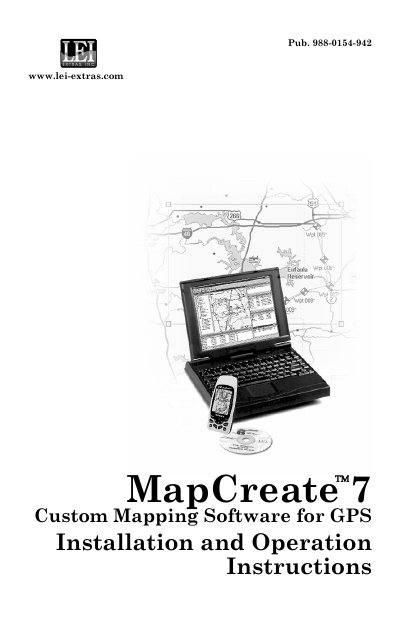
LEI MapCreate 7 is custom mapping software designed specifically for Lowrance and Eagle GPS units. This manual covers the installation process, system requirements, and the use of the LEI MMC card reader. It guides users through creating custom maps, including rectangle and corridor borders, and saving GPS data files to memory cards.
| Compatible GPS Units | Lowrance and Eagle GPS units |
|---|---|
| Software Version | 7 |
The document states that the software requires a computer with an LEI MMC card reader installed and working.
Click the DRAW MAP BORDERS button, move the mouse pointer above and to the left of the desired area, click and drag diagonally down and to the right to enclose the area, then release the mouse button.
Yes, you can delete the default name "Card1" and enter a new name before registering the card.