
This is a configuration manual that describes how to configure the 3010/3010a series of syringe pumps
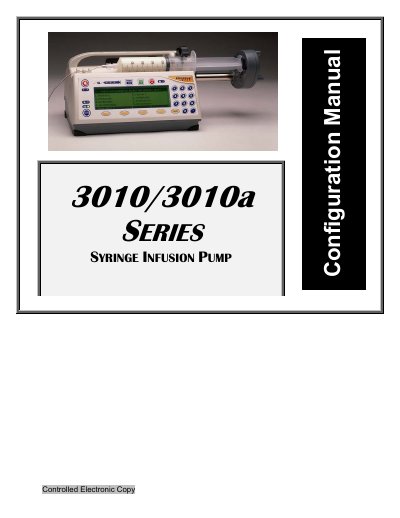
The document serves as a configuration guide for the Medex 3010/3010a series syringe infusion pump. It is designed to teach users how to customize the device's operations, enabling or disabling specific features and options to meet the needs of their unit, organization, or hospital department.
The manual covers various aspects of configuration, including managing factory default settings for different departments (Anesthesia, General, NICU), controlling onscreen appearance, managing syringe manufacturers and delivery modes, working with libraries and templates, and performing configuration cloning. It assumes the user is familiar with the Operation Manual and is authorized to operate the pump.
Only nurses, physicians, or other health-care professionals with training to practice infusion therapy and operate the 3010 or 3010a syringe pumps.
The default configuration password is 3000.