
This document is a user manual for using Ricoh cameras, which covers basic operations, advanced functions, and connecting the camera to a computer. It also mentions safety precautions and the need for testing before actual shooting.
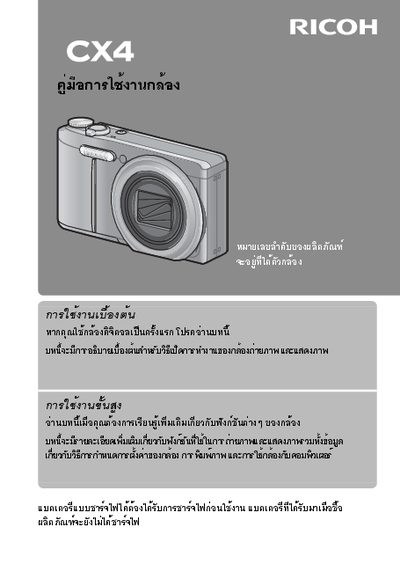
This document serves as the official user guide for the Ricoh CX4 digital camera. It provides instructions on how to operate the device, including navigation through menus and utilizing various shooting modes.
The manual details the physical layout of the camera and explains the functions of its buttons and dials. It also covers essential topics such as battery installation, memory card usage, and image playback. This manual is written in Japanese.
The camera requires a DC power supply of 4.2V at 300mA.
The camera measures 91.3 x 62.3 x 23.6 mm.