
TOSHIBA NVS8-X/NVS16-X/NVS32-X Network Video Recorder Software Manual

This document is the Network Video Recorder NVS/IPS software manual, which describes the features and usage instructions of the NVS8-X, NVS16-X, and NVS32-X models. It also includes the features and usage instructions of the IPS8-X, IPS16-X, and IPS32-X models.
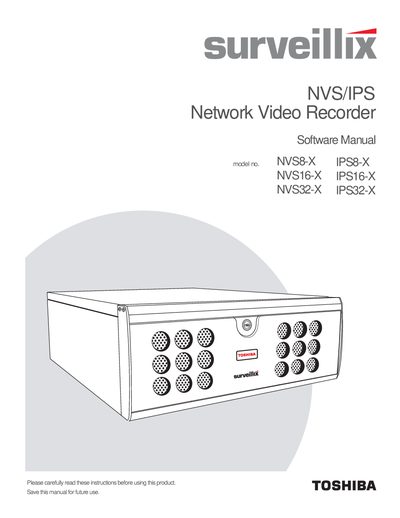

TOSHIBA NVS8-X/NVS16-X/NVS32-X Network Video Recorder Software Manual - cover page
Brand
NETWORK
Category
Other Electronics
Document type
User Manual
Language
English
Pages
94
File format
PDF
File size
1.8 MB
Published
06 July, 2012
Updated
29 September, 2023
MD5 checksum
779FB4C978615C8003E4E3439B783284

About this manual

This manual provides instructions for the TOSHIBA Surveillix IPS/NVS Software, covering setup options, recording schedules, and user management for the NVS8-X, NVS16-X, and NVS32-X models. It details how to configure camera settings, manage network devices, and utilize search functions to retrieve recorded video.

What's inside

  • IPS/NVS Basics
  • Setup Options
  • Search
  • Backing Up Video Data
  • LAN Connections
  • Web Viewer
  • Included Software Setup
  • Software Upgrades

Frequently asked questions

What happens if an image is tampered with during verification?

A red square will appear around the image with the message 'Entire image changed or wrong SITE CODE.'

Can the DVR Utility export settings when upgrading from version 2.x to 3.x?

No, this feature cannot be used when upgrading from v2.x to v3.x.

What must be entered to verify a JPG image in the Digital Verifier?

You must enter the Site Code of the DVR that the image was originally extracted from.

Download PDF (1.8 MB)

More NETWORK Manuals


View all NETWORK manuals →