
This document is the user manual for 0 DP4 Field Monitor DP4-EVF Viewfinder. The manual includes product introduction, care instructions, power supply, menu operations, and accessory usage.
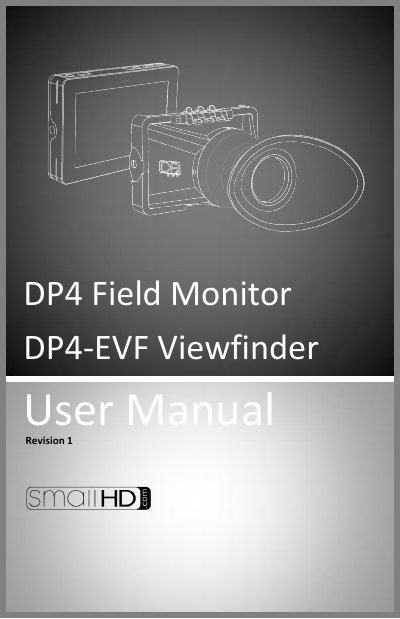
The document provides a comprehensive guide for the SmallHD DP4 Field Monitor and its associated VF (Viewfinder) accessory. It details how to attach and detach the viewfinder loupe, positioning the eyecup for optimal comfort, and operating the device as either a monitor or an EVF.
Key sections include instructions on powering the unit, using the menu system to assign function buttons and adjust image settings, and specific care guidelines such as cleaning procedures and warnings about power polarity and battery compatibility.
The maximum input voltage is 18vDC; over powering can result in damage.
No, using off-brand (non-Canon) LP-E6 batteries can result in undesired performance and longevity issues.
The device operates seamlessly as either a 4.3-inch monitor or an EVF by simply flipping the eyepiece up or down.