
XTR1 Quickstart Guide, Introduces how to activate the satellite radio, install the satellite radio, activate the subscription, view the ID number, tune the entertainment and so on
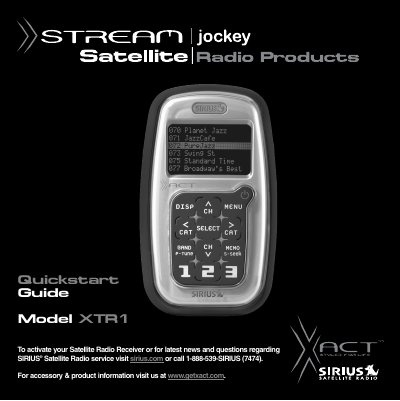
The XACT Stream Jockey SIRIUS Receiver Model XTR1 is a satellite radio receiver designed for use in vehicles or as a home desktop unit. The guide details the unpacking process and lists the included accessories, such as the wireless remote control and power adapter. Users are instructed to find an appropriate location for installation, either near a stereo receiver at home or on the dashboard in a vehicle.
The kit includes the receiver, a wireless remote control with AAA batteries, a user's guide, and a power adapter.
You can activate your service online at sirius.com or by calling 1-866-845-7474 to speak with a representative.
Press the button and select SIRIUS ® ID to display your device's 12-digit ID Number (ESN) on the screen.