
This document introduces the use of Sonos® Digital Music System, including installation, connection, and use
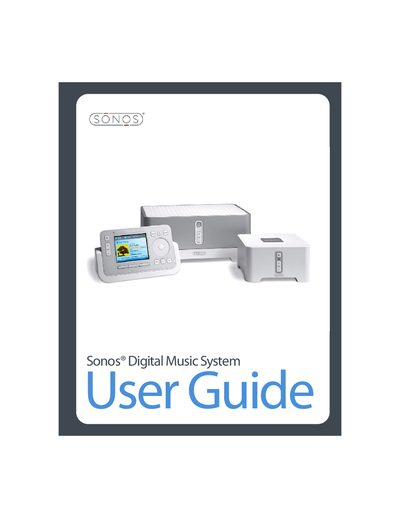
The document provides instructions for setting up the Sonos Digital Music System, covering computer requirements, network configuration, and system registration. It details the installation and operation of various hardware components, specifically the ZonePlayer 100 and ZonePlayer 80 models.
The guide explains how to use the software controllers on Windows Vista/XP and Macintosh OS X desktops, as well as the handheld Sonos Controller. Topics include managing music queues, accessing online services like Internet Radio and Rhapsody, configuring zones, and adjusting sound settings.
The computer must have a 500 MHz processor or better, at least 128MB of RAM (256 MB recommended), and network hardware as described in the manual.
The system supports compressed MP3, WMA (including Windows Media purchased songs), AAC (MPEG4), Ogg Vorbis, Audible .AA files (format 4), Apple Lossless, Flac, and uncompressed WAV and AIFF files.
The system is compatible with Windows Vista, Windows XP (including Windows XP Media Center), and Macintosh OS X.