
This manual introduces the features and characteristics of the liquid crystal projector, and detailed instructions on installation, operation, maintenance and troubleshooting.
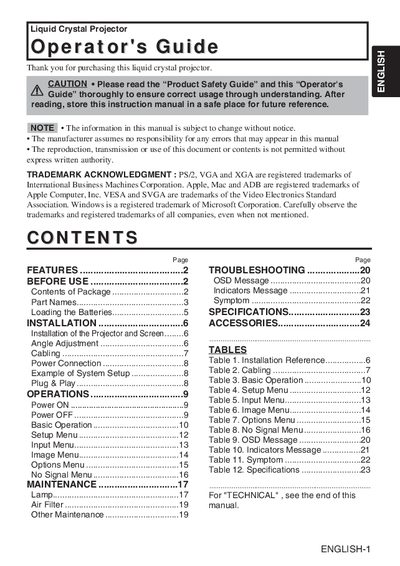
This document is the Operator's Guide for a SUK liquid crystal projector. It details the features of the device, such as partial magnification and distortion correction, and lists the contents of the package including the projector, remote control, and various cables.
The manual covers the complete lifecycle of the device usage. It includes sections on installation (screen size reference, angle adjustment, cabling), basic operations (power on/off, menu navigation), maintenance (filter cleaning), and troubleshooting for common issues like no signal or OSD messages.
| Resolution | 1024 x 768 dots |
|---|---|
| Foot Adjuster Range | 0° to 9° |
The minimum distance is 62 inches (1.6m) and the maximum is 82 inches (2.1m).
The ground terminal is located at the AC inlet of the unit.
The remote control requires AA batteries.