
This is a user manual for the Samson Technologies Corp USB condenser microphone C03U. The document provides information on installation, usage, and operation of the C03U, as well as some tips and recommendations.
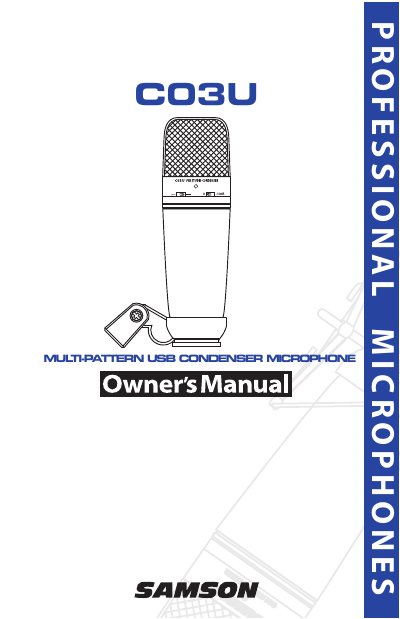
The Samson C03U is a professional studio condenser microphone featuring a large 19mm diaphragm and a built-in high-quality Analog-to-Digital converter with USB output. It supports Hyper Cardioid, Omni, and BiDirectional pickup patterns and is compatible with any computer-based Digital Audio Workstation. The unit includes a swivel stand mount and a 10-foot USB cable.
To expand control over the microphone, users can install the Samson Softpre software applet. This software provides additional features such as programmable gain, LED input metering, a low-cut filter, and a phase switch. The manual details installation steps for both MAC OS X and Windows XP, as well as instructions for using the software to set optimal signal levels and avoid clipping.
| Diaphragm Size | 19mm |
|---|---|
| Sampling Rate | 48K |
| Bit Depth | 16 Bit |
| Gain Range | -62 to +48 dB |
| Included Cable Length | 10 foot |
The C03U is compatible with both MAC OS X and Windows XP operating systems.
The microphone supports Hyper Cardioid, Omni, and BiDirectional pickup patterns.
You can adjust the input gain using the onboard digitally controlled analog INPUT GAIN stage via the C03U software fader.