
This document is the user manual for Uniden phone
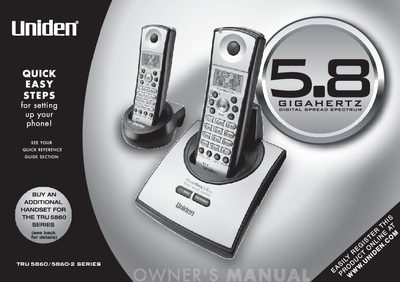
This manual covers the Uniden TRU 5860 and TRU 5860-2 cordless telephone series, which feature 5.8 GHz Spread Spectrum Technology, AutoTalk, AutoStandby, and Random Code digital security. The TRU 5860-2 model specifically includes two handsets and supports call transfer and distinctive ring options.
| Frequency Technology | 5.8 GHz Spread Spectrum Technology |
|---|---|
| Handset Expandability | Two Handset Expandability |
| Caller ID Options | Three Caller ID options |
| Language Support | Trilingual Language Option |
| Display | 3-Line, 16 Character Backlit Handset Display |
| Redial Locations | 32 Digit Redial / 3 Last Number Redial Locations |
| Distinctive Ring Options | 10 Distinctive Ring Options |
| Security Codes | Over 65,000 digital security codes |
Use the AutoTalk feature, which allows you to answer a call by just removing the handset from the base.
Use the AutoStandby feature, which allows you to hang up by simply returning the handset to the base.
The available options are Auto Talk, Caller ID on Call Waiting (CIDCW), and Area Code.
Yes, you can buy an additional handset for the TRU 5860 series to expand your system.