
This document introduces the basic functions and usage methods of Uniden phone.
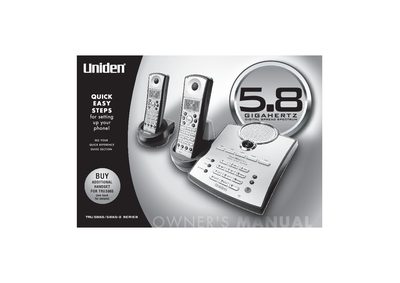
This manual covers the Uniden TRU 5865 and TRU 5865-2 series cordless telephones, detailing features such as AutoTalk, AutoStandby, and Random Code security. It includes step-by-step instructions for charging the battery, connecting the phone line, and setting up Caller ID options. The document also explains how to use the handset and base controls, manage the phonebook, and operate advanced features like 3-way conferencing and call transfer.
| Frequency | 5.8 GHz |
|---|---|
| Talk Time | 4 Hour |
| Standby Battery Life | 8 Day |
| Handset Display | 3-Line, 16 Character Backlit |
| Phonebook Capacity | up to 100 numbers |
| Distinctive Ring Options | 10 |
| Security Codes | over 65,000 |
The available options are Auto Talk, Caller ID on Call Waiting (CIDCW), and Random Code.
Yes, the system supports a maximum of 2 handsets per system.