
The Messager USB Night Answer is a solid-state digital message repeater that installs easily into any messaging application that requires a continuous MOH message as well as a Night Answer device to play an informative message when closed. All messages are in the MP3 format can be stored on industry standard USB flash drives.
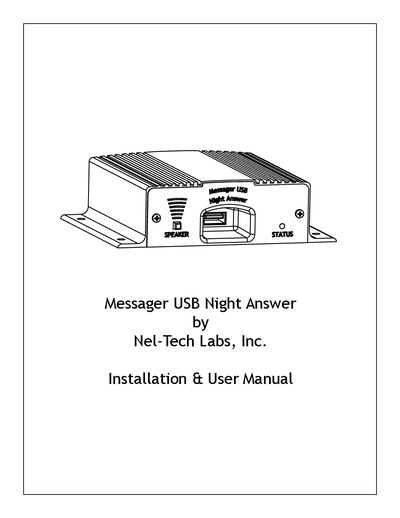
The Messager USB Night Answer is a solid-state digital message repeater designed to play informative messages when a phone line goes unanswered. It supports storing MP3 format audio files on industry-standard USB flash drives for both Music On Hold (MOH) and night answer scenarios.
Installation involves setting DIP switches to configure the number of rings required to trigger the greeting, mounting the unit, connecting RCA cables to the phone system's MOH or PA port, attaching a Telco cable to monitor the line, and inserting USB media. The device features manual volume control and can be triggered via an external timer connected to the TRIG jack.
Drives smaller than 2GB can be formatted using FAT, and drives 2GB or larger can use FAT32.
Set the DIP switches on the bottom of the unit according to the table provided in the manual.
The default setting is two rings when all switches are OFF.