
This file is the user manual of Messager MP3, which introduces the function features and usage methods of Messager MP3.
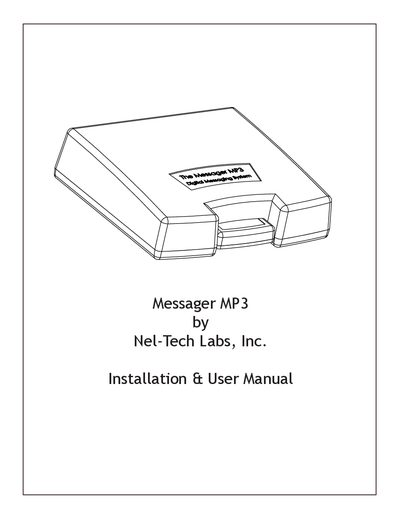
The Nel-Tech Labs Messager MP3 is a solid-state digital messaging system designed for continuous message playback. It utilizes removable flash memory cartridges called Message Mates to store MP3 files. The system features a status LED indicator and adjustable volume controls for integration with phone systems or PA setups.
| Power Supply | 12VDC @ 500mA |
|---|---|
| Operating System | Windows XP Home or Professional with Service Pack 1 or later |
| Warranty Period | Five (5) years |
| File Format | MP3 |
No, the unit will not play audio when its USB port is connected to a computer.
Mono MP3 files are recommended to ensure the best playback quality.
The cartridge should be formatted using FAT, not FAT32.