
Agilent Data Analysis Reporting Using the Agilent EnviroQuant ChemStation for GC-MSD (H4053A)

The course introduces how to use the Agilent EnviroQuant software for data analysis and reporting
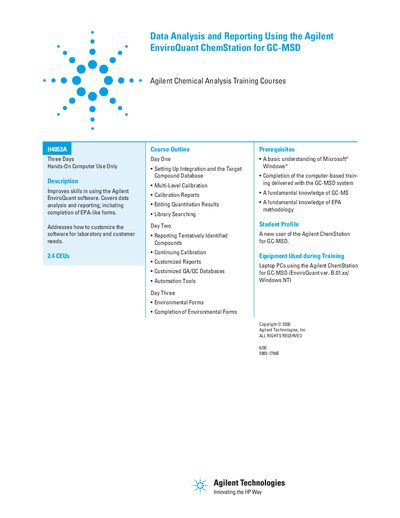

Agilent Data Analysis Reporting Using the Agilent EnviroQuant ChemStation for GC-MSD (H4053A) - cover page
Brand
Agilent
Category
Other Electronics
Document type
User Manual
Language
English
Pages
1
File format
PDF
File size
43 KB
Published
04 July, 2012
Updated
01 October, 2023
MD5 checksum
A7E0C69D2417F428C8E7D9362A02E119

About this manual

This document serves as a training guide for the Agilent EnviroQuant ChemStation software used with GC-MSD systems. It focuses on improving user skills in data analysis and reporting, including the customization of software for specific laboratory needs and the completion of environmental forms similar to EPA standards.

The content is structured over three days of hands-on computer training. It covers setting up integration and target compound databases, multi-level calibration, library searching, and reporting tentatively identified compounds. The guide also details the use of automation tools and customized QA/OC databases.

What's inside

  • Setting Up Integration and the Target Compound Database
  • Multi-Level Calibration
  • Calibration Reports
  • Editing Quantitation Results
  • Library Searching
  • Reporting Tentatively Identified Compounds
  • Continuing Calibration
  • Customized Reports
  • Customized QA/OC Databases
  • Automation Tools

Frequently asked questions

What is the minimum computer operating system required to run this software?

The training requires a laptop PC running Windows NT.

What prior knowledge is required before attending this training course?

Students must have a fundamental understanding of Microsoft Windows, GC-MS, and EPA methodology.

How many Continuing Education Units are awarded for completing this course?

The course provides 2.4 CEUs.

Download PDF (43 KB)

More Agilent Manuals


View all Agilent manuals →