
This is the Axiom user guide, which introduces the features and characteristics of the Axiom keyboard, as well as how to use it.
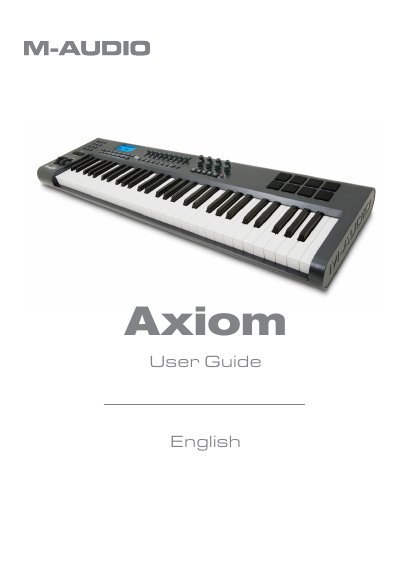
This manual provides instructions for the M-Audio Axiom line of MIDI controller keyboards, available in 25, 49, and 61-note versions. It details the unboxing contents, system requirements, and driver installation procedures for connecting the device to a computer or external MIDI gear. The guide explains how to utilize the keyboard's features, including eight assignable rotary encoders, sample trigger pads, and sliders (on 49 and 61 models), to control virtual instruments and DAWs.
| Keyboard versions | 25-, 49- or 61-note |
|---|---|
| Rotary encoders | Eight fully programmable endless |
| Trigger pads | Eight fully programmable |
| Sliders | Nine fully assignable 40mm (Axiom 49 and 61 only) |
| USB Port | USB 1.1 |
| Power (USB) | Draws power from computer |
| Power (External) | 12V DC, 250mA – 300mA, Center positive |
| Minimum CPU (Windows) | Pentium 3 800 MHz or higher |
| Minimum CPU (Mac) | Macintosh G3* 800/G4* 733 MHz or higher |
| Minimum RAM (Windows) | 256 MB |
| Minimum RAM (Mac OS X 10.4.2) | 512 MB |
No, the Axiom sends MIDI data when played and does not produce sound on its own; it must be connected to a computer or external MIDI gear.
No, if used with a computer via its USB port, the Axiom draws power from the computer. An external supply is only needed if not connected to a computer.
Only the Axiom 49 and Axiom 61 models include nine fully assignable 40mm sliders.