
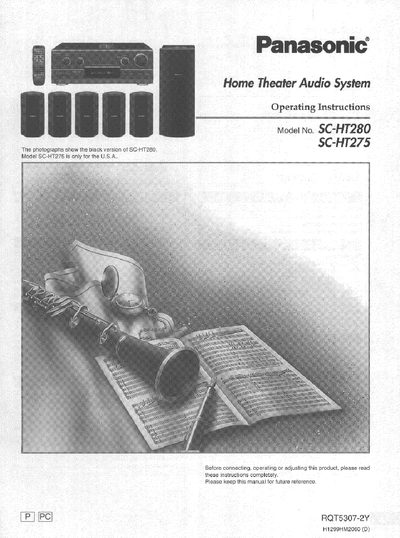
This manual provides operating instructions for the Panasonic Home Theater Audio System models SC-HT280 and SC-HT275. It details the supplied accessories, safety precautions regarding power sources and environment, and step-by-step procedures for connecting various audio and video equipment such as TVs, DVD players, and cassette decks.
The guide covers speaker setup including attaching stickers to cords, placement recommendations, and adjusting levels using the Digital Signal Processor (DSP). It also explains how to use front panel controls for volume, bass, treble, balance, and subwoofer settings, as well as operating the included remote control for various functions like tuning radio stations and controlling external devices.
| Product Type | Home Theater Audio System |
|---|---|
| Compatible Models | SC-HT280, SC-HT275 |
This manual covers the Home Theater Audio System models SC-HT280 and SC-HT275.
The model number and serial number are located on either the back or the bottom of the unit.
The unit should not be placed in temperatures less than 5°C (41°F) or greater than 35°C (95°F).