
SC-HT640W DVD Home Theater Sound System Operating Instructions, introduces the features and characteristics of the product, including wireless surround sound, advanced progressive scan and high-performance sound effects
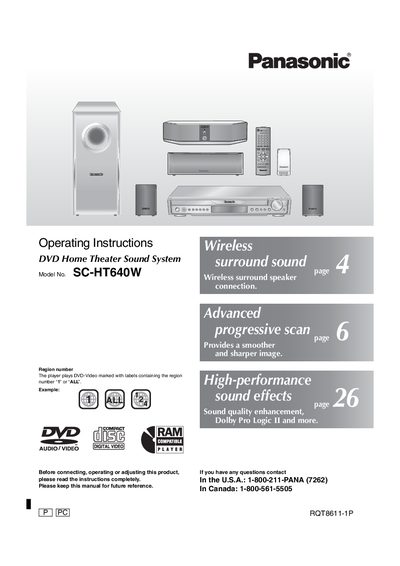
This document provides operating instructions for the Panasonic SC-HT640W DVD Home Theater Sound System. It details the system components, including the main unit, front speakers, center speaker, wireless surround speaker, and subwoofer. The guide covers safety precautions, initial setup steps, and various connection methods for audio and video sources.
| System Components | Main unit SA-HT640, Front speakers SB-FS640, Center speaker SB-PC640, Wireless surround speaker SB-SA640, Subwoofer SB-W640 |
|---|---|
| Region Support | DVD-Video marked with labels containing the region number '1' or 'ALL' |
The player plays DVD-Video discs marked with region numbers '1' or 'ALL', as well as HighMAT and RAM discs.
Yes, operations are described mainly with the remote control, though they can be performed on the main unit if controls are the same.