
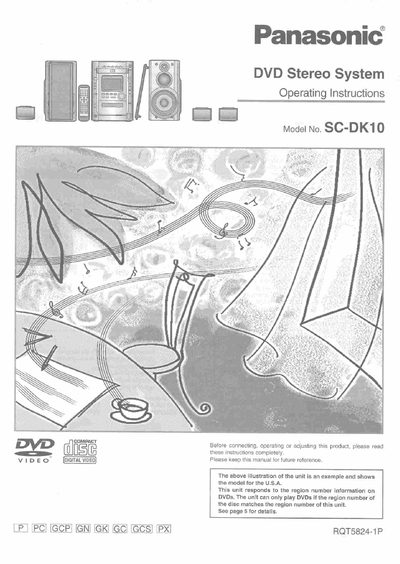
Panasonic SC-DK10 DVD Stereo System Operating Instructions


Panasonic SC-DK10 DVD Stereo System Operating Instructions - cover page
Brand
Panasonic
Category
Video Player
Document type
User Manual
Language
English
Pages
64
File format
PDF
File size
4.4 MB
Published
03 July, 2012
Updated
03 July, 2012
MD5 checksum
A22F686DF4E144B73D6B2EF3ADBF5601

About this manual

This manual provides operating instructions for the Panasonic SC-DK10 DVD stereo system. It details safety precautions, initial setup steps including connecting speakers and antennas, and explains how to use various features such as frame-by-frame viewing, slow-motion play, and karaoke functions.

The guide also covers disc operations like normal play, program play, and random play, as well as recording discs and radio broadcasts. Additional sections explain sound quality adjustments, external unit connections, timer settings, and provide a troubleshooting guide for common issues.

What's inside

  • Important Safety Instructions
  • Supplied Accessories
  • Initial Setup
  • Disc Operations
  • Recording Operations
  • Sound Quality Adjustments
  • External Unit Connections
  • Troubleshooting Guide

Frequently asked questions

What is the model number of this DVD stereo system?

The model number for this unit is SC-DK10.

What is the primary function of this unit regarding DVD playback?

The unit can only play DVDs if the region number on the disc matches the region number set in the unit.

What specific safety precaution is required when placing this unit?

You must ensure the unit is well ventilated and that curtains or other materials do not obstruct the ventilation vents.

Download PDF (4.4 MB)

More Panasonic Manuals


View all Panasonic manuals →