
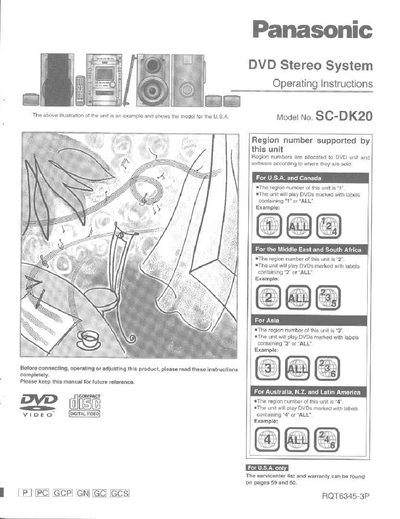
Panasonic SC-DK20 DVD Stereo System Operating Instructions


Panasonic SC-DK20 DVD Stereo System Operating Instructions - cover page
Brand
Panasonic
Category
Video Player
Document type
User Manual
Language
English
Pages
64
File format
PDF
File size
2.7 MB
Published
03 July, 2012
Updated
03 July, 2012
Model
SC-DK20
MD5 checksum
724E3AFE7A0BC0917E2741E92F2DCD59

About this manual

This document provides operating instructions for the Panasonic SC-DK20 DVD Stereo System. It details the supplied accessories, including power cords and antennas specific to different regions like the U.S.A., Canada, Australia, and others. The manual explains how to set up the system by connecting speakers and a TV, as well as configuring the AC power supply cord according to local voltage requirements.

What's inside

  • Supplied accessories
  • Important safety instructions
  • Simple set-up
  • Front panel controls
  • Using menus to play MP3 discs
  • Enjoying surround sound
  • Recording discs and radio
  • Troubleshooting guide

Frequently asked questions

What region number does this unit support for the U.S.A. and Canada?

The region number of this unit is '1'.

What region number does this unit support for use in the U.S.A. and Canada?

The region number of this unit is "1".

What types of DVD labels will this unit play in the U.S.A.?

The unit will play DVDs marked with labels containing "4" or "ALL".

What is the model number of this DVD Stereo System?

The model number is SC-DK20.

Download PDF (2.7 MB)

More Panasonic Manuals


View all Panasonic manuals →