
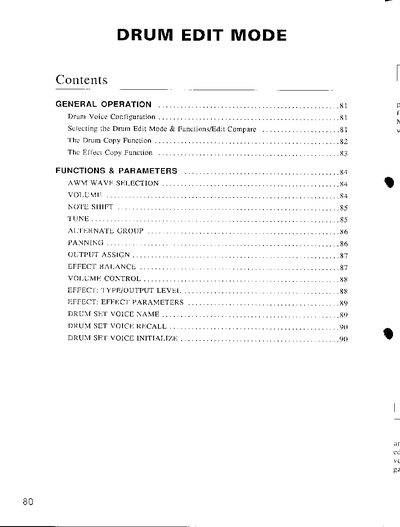
The document details the Drum Edit Mode available on the Yamaha TG55. It describes how to assign specific waveforms (preset or cartridge) to individual drum elements corresponding to keys C1 through C6. Users can create custom drum sets by configuring voice 63 and 64, which consist of 61 elements each.
| Drum Voice Elements | 61 elements each |
|---|---|
| Key Range for Drum Edit | C1 to C6 |
| Volume Settings | 0... 127 |
| Note Shift Range | -48 ... +36 semitones |
| Tune Range | -64 ... +63 cents (approx 150 cents) |
It allows you to copy parameter assignments from any other drum element to the one currently being edited, useful for creating sets like pitched tom-toms.
Yes, in addition to drum sounds, any other waves may be assigned to the drum elements to include them in your original drum sets.