
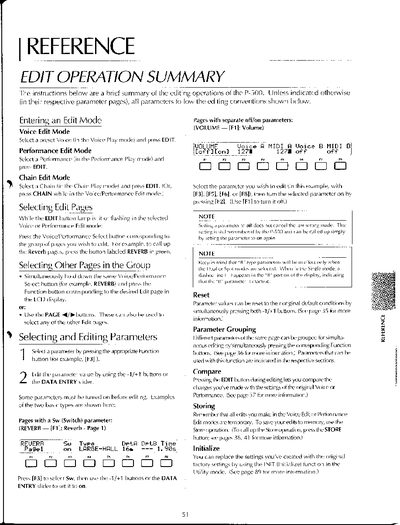
This document provides a brief summary of the editing operations available on the Yamaha P-500 synthesizer. It details how to enter various edit modes, including Voice Edit Mode, Performance Edit Mode, and Chain Edit Mode.
The guide explains procedures for selecting specific edit pages within groups using dedicated buttons or PAGE controls. It further describes methods for selecting and editing parameters via Function buttons and DATA ENTRY sliders, as well as techniques for grouping parameters for simultaneous adjustment.
Select a preset Voice in the Voice Play mode and press EDIT.
Yes, different parameters of the same page can be grouped for simultaneous editing by simultaneously pressing the corresponding Function buttons.
Parameter values can be reset to their original default conditions by simultaneously pressing both -1/+1 buttons.