
This manual explains how to set up the AP-U70 personal amplifier and DP-U50 personal sound processor.
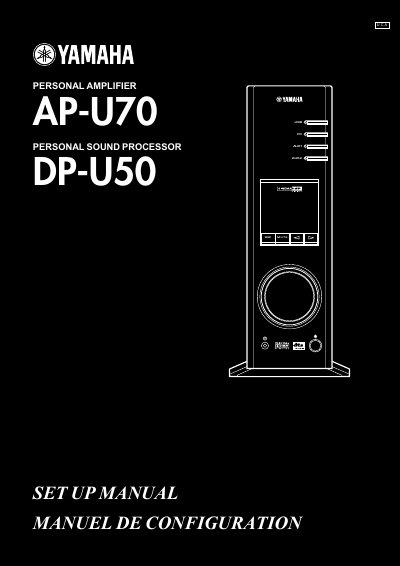
This manual provides setup instructions for the Yamaha AP-U70 personal amplifier, including battery installation, remote control operation, and connection methods for speakers, computers, and audio equipment. It covers USB, analog, and digital connections, including coaxial and optical inputs. The unit supports Dolby Digital and DTS audio formats and includes virtual 3D surround sound technology for two-speaker setups. It also includes troubleshooting and software installation instructions for Windows and Mac systems.
| Audio Formats Supported | multi-channel (two, four and six channels) audio, 24 bits/48 kHz digital audio, Dolby Digital-encoded signals |
|---|---|
| Battery Type | AA, R6, UM-3 |
It supports multi-channel (two, four and six channels) audio, 24 bits/48 kHz digital audio, and Dolby Digital-encoded signals.
AA, R6, or UM-3 batteries are required.