
This is an instruction manual for the PT-55 ® Electronic Labeling System, which provides information on how to use the product, precautions to take, and steps for replacing the batteries.
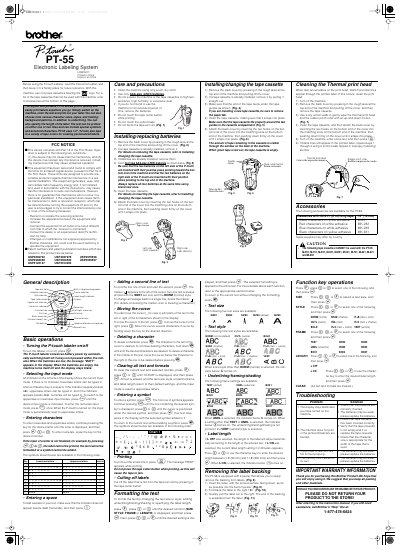
The Brother PT-55 is a portable electronic labeling system that uses 1/2" (12 mm) tape cassettes. It allows users to print labels with various character sizes, styles, and framing options. The device operates on four AAA-size (LR03) batteries and features a thermal print head for printing.
| Tape width | 1/2" (12 mm) |
|---|---|
| Battery type | AAA-size (LR03) |
| Battery quantity | 4 |
| Label length range | 1.9" (50 mm) to 11.8" (300 mm) |
| Text sizes available | 5 |
| Text styles available | 9 |
The PT-55 uses four AAA-size (LR03) batteries.
Turn off the machine, remove the back cover and tape cassette, and gently wipe the print head with a dry cotton swab.
The P-touch labeler automatically switches itself off to conserve battery power.