
P-touch 530/550 is a label machine that can create any necessary labels and stamps. You can select from many frames, character sizes and styles to design beautiful custom labels and stamps. In addition, the variety of tape and ink colors available allow you to print personalized labels, useful for color-coding. You no longer have to worry about urgent tasks that require professional printing. Whether in the office, factory, lab or home, the quality and performance of the P-touch 530/550 makes it an extremely practical machine. Finally, as you may want to refer to this User’s Guide occasionally, we suggest that you keep it in a handy place.
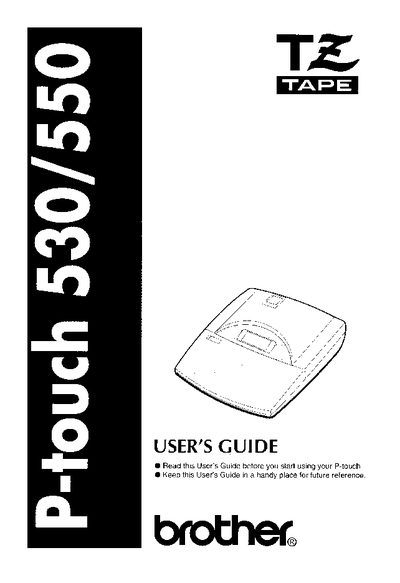
This manual serves as a comprehensive guide for the Brother P-touch 530/550 label maker, covering everything from initial setup to advanced printing features. It includes a quick reference guide for immediate use and detailed chapters on machine diagrams, battery installation, tape cassette usage, and label creation techniques. The guide explains how to use various keys for formatting, colors, barcodes, and stamps to create professional-looking labels for office, factory, lab, or home environments.
| Interface Cable | Included |
|---|---|
| Class | Class B digital device |
Try reorienting the receiving antenna, increasing separation between equipment, or connecting to a different circuit.
The P-touch 530/550 is used to create labels and stamps for any need, including color-coding.