
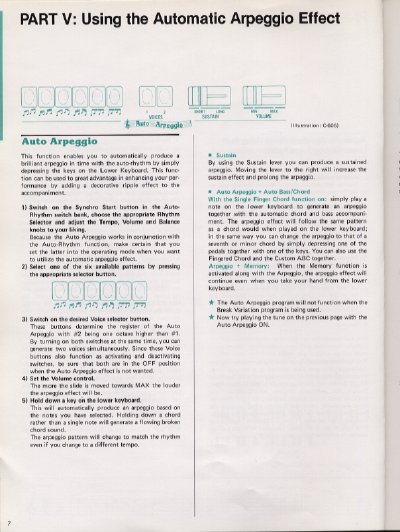
This document provides instructions for operating the Automatic Arpeggio function, which allows users to produce a decorative ripple effect by depressing keys on the lower keyboard in conjunction with the Auto-Rhythm. It details how to select patterns, adjust volume registers, and utilize the Sustain lever for prolonged effects.
The guide also covers the Melody On Chord feature, which generates harmonies for notes played on the upper keyboard based on chords selected on the lower keyboard. Additionally, it explains the use of Tone Levers to create various instrumental sounds, including flute, strings, and attack tones, as well as combination presets like Jazz organ and Flute ensemble.
Hold down a key on the lower keyboard; molding down a chord rather than a single note will generate this effect.
Yes, by turning on both Volume selector buttons at the same time.
It will not function when the Break Variation program is being used.